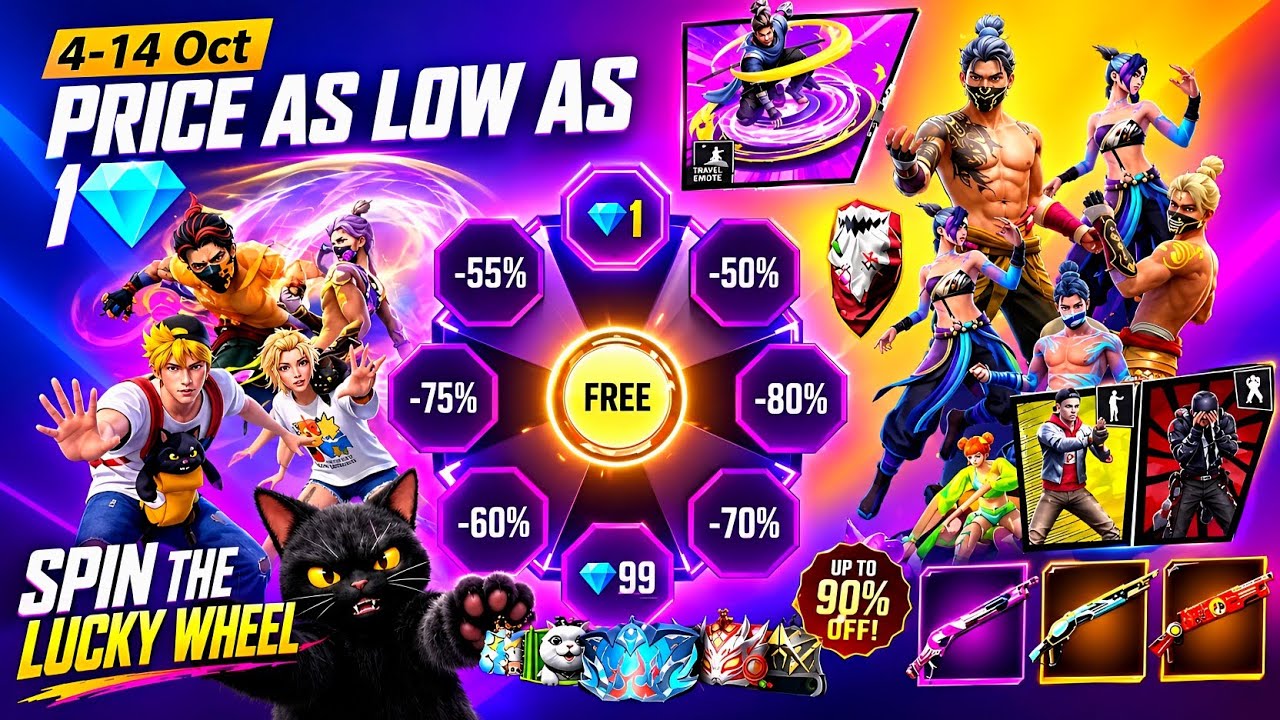
Top-up events can add a limited reward to a purchase players were already considering. Before buying diamonds for an event, check the reward conditions and total cost in your own game client; the offer, currency and availability can vary by region.
Read the reward requirement carefully
Confirm whether the event counts a single purchase, a cumulative total or a specific diamond pack. Check when progress starts and ends, whether earlier purchases count, and how the reward is delivered. A reward shown on a banner is not enough to establish the exact requirement.
Compare the total cost with the reward
Work out the amount you would spend to reach the displayed threshold and decide whether the item is worth that amount to you. Do not buy extra packs just to chase a cosmetic if the cost is outside your plan. If you were already going to top up, the bonus can be an added benefit rather than the reason to overspend.
Before you claim
- Check the event's start and end time.
- Verify the eligible purchase and reward threshold.
- Confirm the item appears in your region and account.
- Take a screenshot of the event rules if you need to track progress.
Use the in-game event page as the final reference for current terms, then decide whether the reward fits your budget.